
-
·
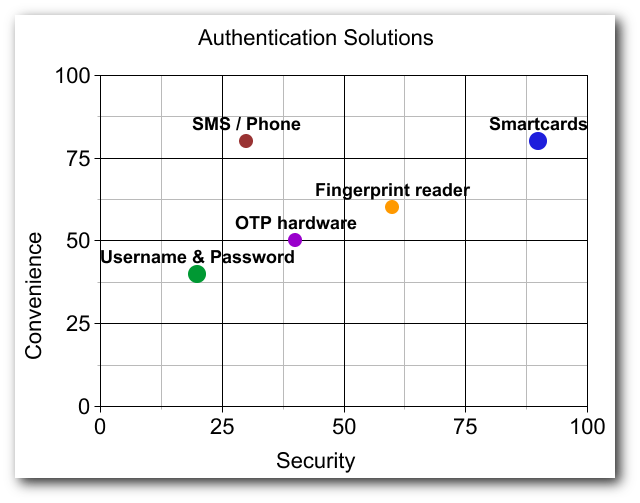
Authentication solutions comparison
There’s a lot of debate in the information security industry about what the next-gen solution will be for authenticating users into services (websites, applications, etc…). I’ve collected a list of suggested authentication solutions (both hardware and software mechanisms) and will try to shed some light on their pros and cons.
-

·
VideoPost: HowTo Import Certificates to WWPass PassKey
Using certificates is great, but how do you secure your keys? The WWPass PassKey is a cryptographic hardware token that bridges the gap between physical hardware and cloud technologies (Smart Card in the Cloud). Don’t store your private keys on your insecure PC where they can be easily stolen or destroyed, use the PassKey where…
-

·
Encrypt E-Mail With Gmail and Penango
Penango is a Mozilla Firefox and Microsoft Internet Explorer plug-in which allows users to seamlessly use strong encryption to secure e-mails through popular web-based services such as Google Gmail. This guide is meant for the average computer user who would like to encrypt and decrypt emails to and from friends/family/coworkers without worrying about too much…
-

·
OpenVPN, WWPass PassKey Two-Factor Authentication Integration
OpenVPN relies on cryptographic keys and certificates for secure communication between a VPN client and the remote server. The WWPass PassKey technology, in conjunction with Microsoft CryptoAPI, can fortify those keys and give users and systems administrators peace of mind by taking the challenge of protecting private cryptographic information out of their hands.
-

·
Smart Card in the Cloud – Emerging Technology
Smart Card as a Service, or Smart Card in the Cloud, is a revolutionary technology that forms a hybrid between physical two-factor authentication tokens and the cloud. The WWPass PassKey is an innovative product taking Smart Cards to the next level. Advantages? Anonymity, resilient and secured token storage, cloud token administration, multi-token clones, etc…!
-

·
Securing SCP with WWPass PassKey
Maximize security by using the WWPass PassKey to perform two-factor authentication into your publicly exposed SSH/SCP servers using WinSCP and Pageant. Never compromise when it comes to security and ditch those legacy username and password combinations.
-
·
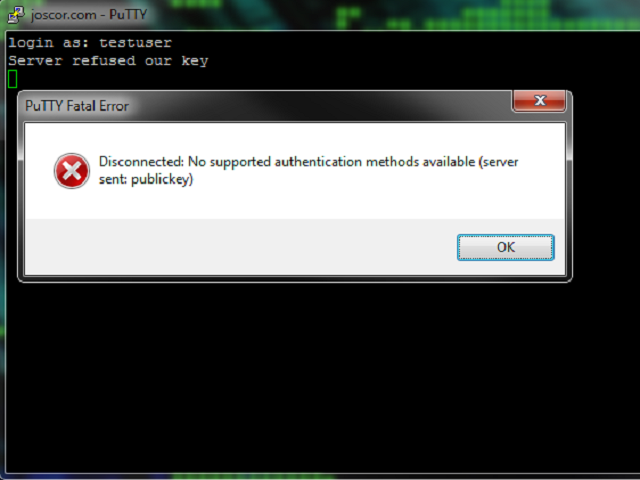
Putty SSH “Server refused our key” Fix
When using Public Key authentication or trying to use SSH with your WWPass PassKey you may find yourself getting an error message Putty Fatal Error stating “Server refused our key” and “Disconnected: No supported authentication methods available (server sent: publickey)” after entering your username. This article will guide you through fixing this issue.
-
·
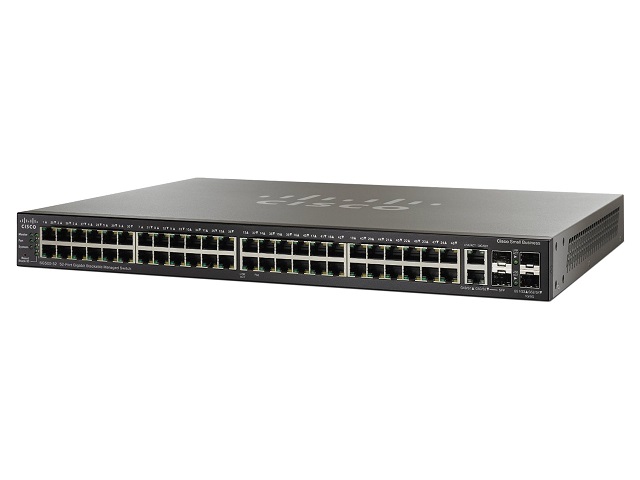
WWPass PassKey, Cisco SG500-52 Managed Switch integration
Overview Process Step 1, Generate a PKCS#12 private key and certificate file This step is relatively straight-forward and you can find explanation of this process in another article on this site: Securing OpenSSH with WWPass PassKey . If you already have an OpenSSH server running with a public key in ~/.ssh/authorized_keys you can re-use this…
-

·
Securing OpenSSH with WWPass PassKey
It’s no longer good enough to just use a witty password for your publicly exposed OpenSSH server! As brute-force systems become more advanced and password cracking times decrease, your server becomes more at risk. A well-known secure solution to this issue is to use Public Key Authentication. This tech tutorial walks you through securing your…
-
·
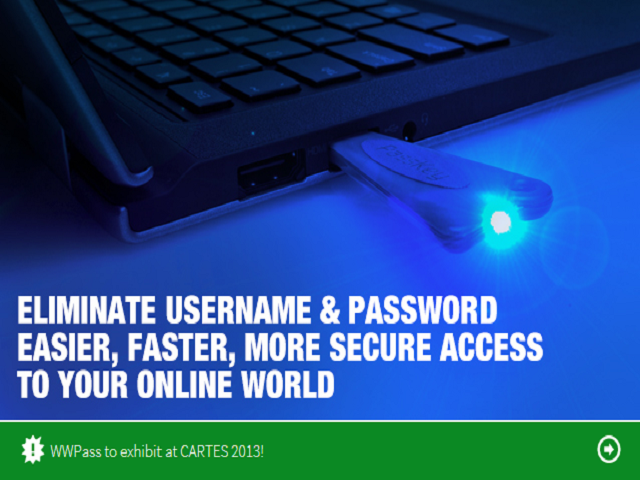
A match made in heaven; TrueCrypt and WWPass
Check out the original text by Joscor’s founder: http://blog.dins-os.com/2013/01/using-wwpass-passkey-security-token.html Why keep a huge mental list of passwords and keyfile locations when you can have a highly secure physical token encrypt and decrypt files for you? The WWPass PassKey offers true two-factor authentication by first authenticating the physical USB token ID against a distributed authentication network…