
-
·
Using Microsoft RSAT From A Non-Domain PC
The Microsoft Remote Server Administration Tools (RSAT) package allows administrators to utilize the Microsoft Management Console (MMC) to manage Windows Servers remotely. These tools become incredibly useful when working with Microsoft Server 2008 R2 Core servers as they do not provide a GUI for tasks such as Active Directory management or DNS/DHCP management.
-

·
Speed Up Your Windows PC In 5 Easy Steps
Owning a PC is like owning any other machine in that it requires a little (preventative) maintenance to ensure maximum performance and longevity. By following these 5 easy steps you can add years of life to your computer and avoid countless headaches.
-

·
Securing SCP with WWPass PassKey
Maximize security by using the WWPass PassKey to perform two-factor authentication into your publicly exposed SSH/SCP servers using WinSCP and Pageant. Never compromise when it comes to security and ditch those legacy username and password combinations.
-
·
Putty SSH “Server refused our key” Fix
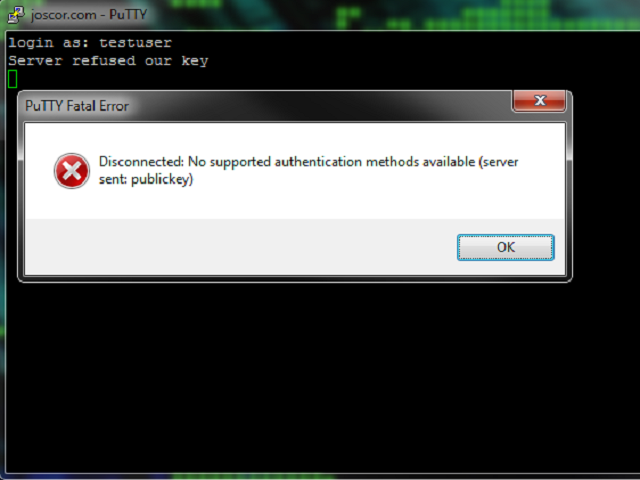
When using Public Key authentication or trying to use SSH with your WWPass PassKey you may find yourself getting an error message Putty Fatal Error stating “Server refused our key” and “Disconnected: No supported authentication methods available (server sent: publickey)” after entering your username. This article will guide you through fixing this issue.
-
·
Bug: Nmap HTTPS 301 Redirect Loop
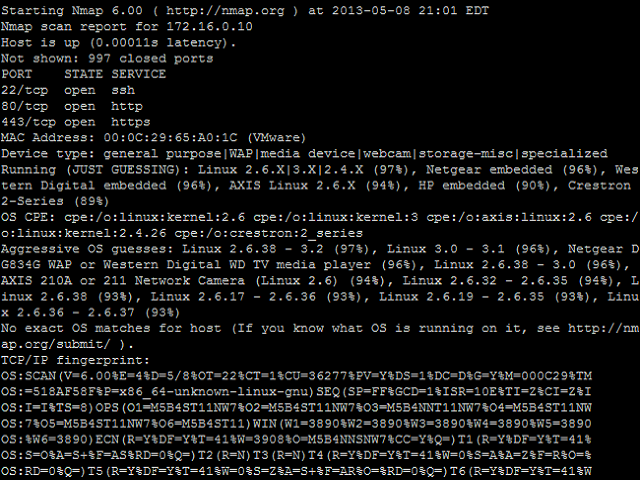
While creating my own Nmap Script Engine (NSE) script using Nmap version 6.25 I stumbled upon a bug in the nselib/http.lua library. This bug is seen when an HTTPS website has some 301 redirect rules which redirects to the same HTTPS site but a different folder/format.
-
·
WWPass PassKey, Cisco SG500-52 Managed Switch integration
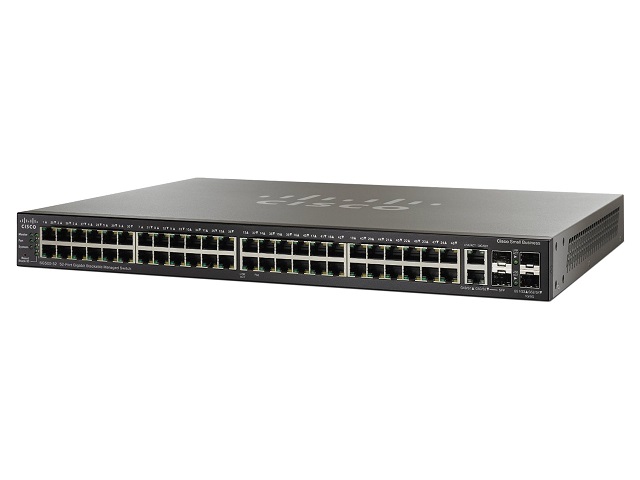
Overview Process Step 1, Generate a PKCS#12 private key and certificate file This step is relatively straight-forward and you can find explanation of this process in another article on this site: Securing OpenSSH with WWPass PassKey . If you already have an OpenSSH server running with a public key in ~/.ssh/authorized_keys you can re-use this…
-

·
Securing OpenSSH with WWPass PassKey
It’s no longer good enough to just use a witty password for your publicly exposed OpenSSH server! As brute-force systems become more advanced and password cracking times decrease, your server becomes more at risk. A well-known secure solution to this issue is to use Public Key Authentication. This tech tutorial walks you through securing your…
-
·
Convert a Secured PDF to an Unsecured PDF
It’s pretty common for an insurance company or something of the like to provide you an electronic copy of your statements or account details. They usually do this by sending a Secured PDF which is a PDf that has been protected by a password. While this is great for protecting the file, it becomes very…
-
·
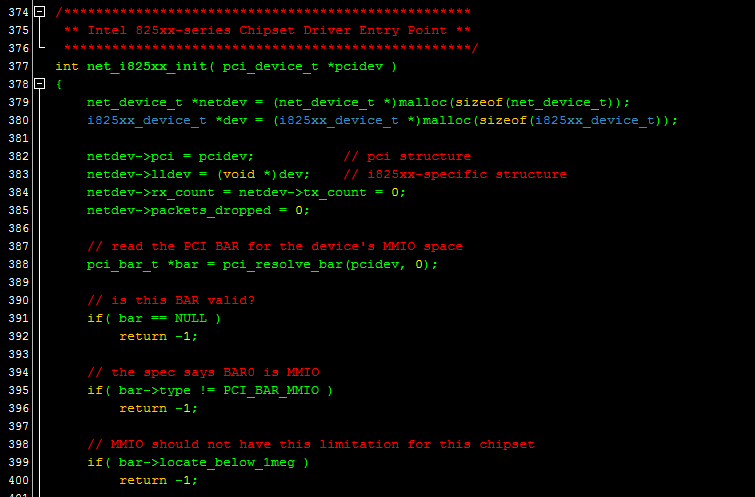
Intel 8254x Ethernet Controller Example Driver
Writing a custom or hobby driver for the Intel 8254x series Ethernet controllers? I’ve been down that road before and luckily there are quite a few resources to help you along your journey. For starters, if you’re not already a member of OSDev.org, I’d highly recommend joining. They’re a great community and the wiki and…
-

·
Transcend StoreJet 1TB external drive disassembly
The Transcend StoreJet external hard drive is a pretty straightforward product. It is a typical 2.5″ SATA laptop hard drive enclosed in a plastic housing and then re-enclosed with a rubber shock absorbing cover. The goal of this tutorial is to guide the reader through taking both cases off of the product so that the…