
-
·
VMWare Zimbra Appliance – No Time Zones Displayed During Installation
This quick how-to is in response to some people running into issues trying to install VMWare Zimbra Collaboration Server Appliance 8.0.3 on VMWare ESXi 5. Things to check right off the bat are your network connections and DNS settings. You must have DNS entries for your Zimbra system in both the reverse and forward lookup…
-

·
How To Load A PKCS#11 library DLL in C / C++
In This Programming Tutorial We Show Using LoadLibrary() and GetProcAddress() to load an RSA PKCS#11 library with C and C++
-
·
VMWare ESXi VMDK Hot-Add in Ubuntu 12.04
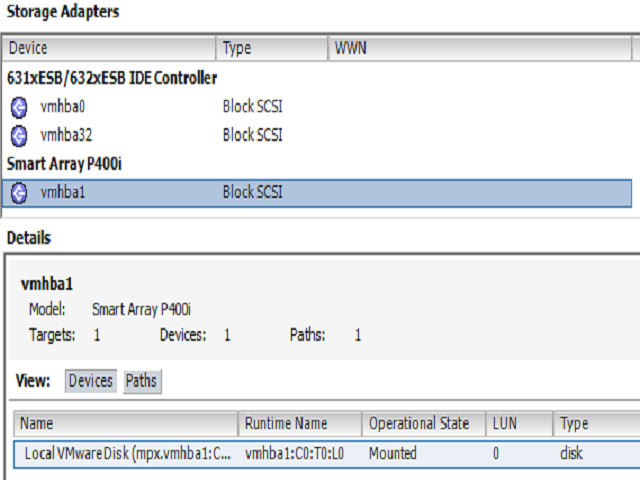
Sometimes it’s necessary to hot-add a new hard drive to a VM (temporary backup disk, etc…). In this case we will be using Ubuntu 12.04 LTS as the VM client and VMWare ESXi vSphere 5.0.0. First we need to install the scsi-tools package from the default repositories. These commands must be executed as root/sudo.…
-
·
HowTo: Send traffic through a virtual router (Untangle) using VMWare ESXi host
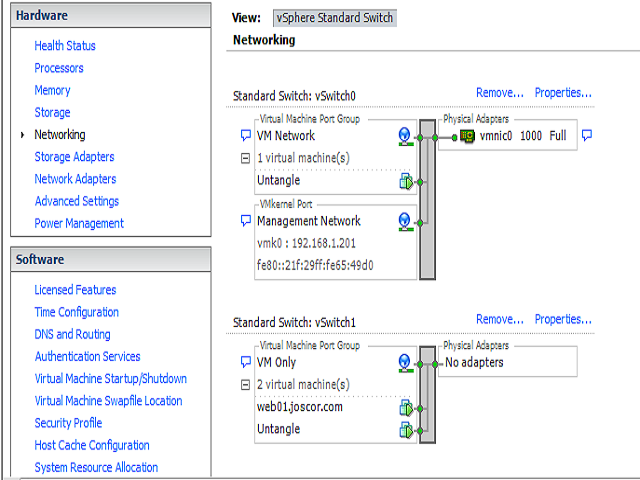
Untangle website: http://www.untangle.com/ VMware website: http://www.vmware.com/ So you have a few VMware VM’s acting as web servers or OpenVPN or whatever… Now you want them protected by a firewall or to have their own subnet equipped with a DNS or DHCP server or maybe subnet gateway anti-virus. It’s actually pretty easy to force VMs to…
-
·
A match made in heaven; TrueCrypt and WWPass
Check out the original text by Joscor’s founder: http://blog.dins-os.com/2013/01/using-wwpass-passkey-security-token.html Why keep a huge mental list of passwords and keyfile locations when you can have a highly secure physical token encrypt and decrypt files for you? The WWPass PassKey offers true two-factor authentication by first authenticating the physical USB token ID against a distributed authentication network…
-
·
WWPass WordPress Integration
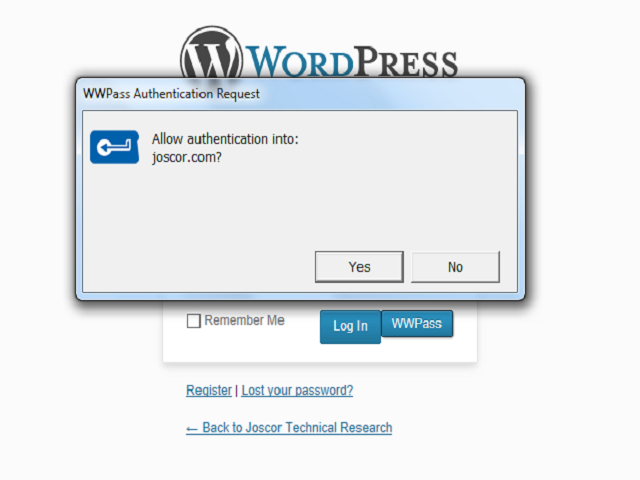
This website is protected by WWPass PassKey authentication. The WordPress plugin designed by WWPass eliminates the need for username and password combinations and maximizes overall security for all user authentication. Check them out at http://wwpass.com From their website: WWPass is eliminating usernames and passwords with one ubiquitous, self-managed PassKey. The world is changing and it…